How-To: Use a lock
Now that you’ve learned what the Dapr distributed lock API building block provides, learn how it can work in your service. In this guide, an example application acquires a lock using the Redis lock component to demonstrate how to lock resources. For a list of supported lock stores, see this reference page.
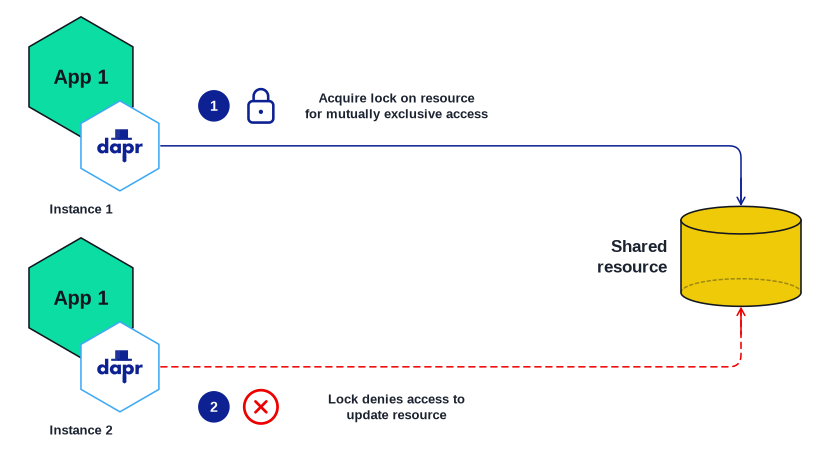
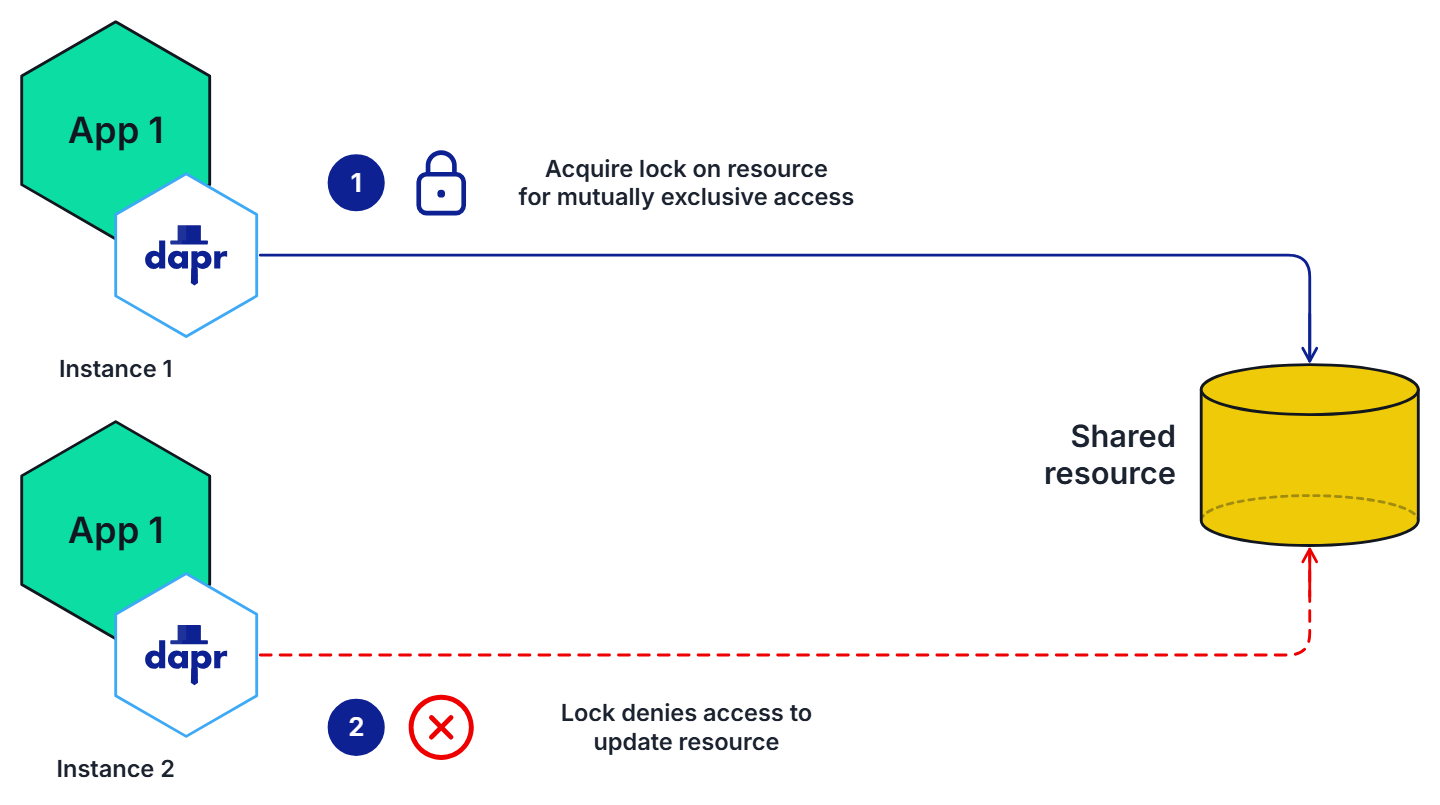
In the diagram below, two instances of the same application acquire a lock, where one instance is successful and the other is denied.
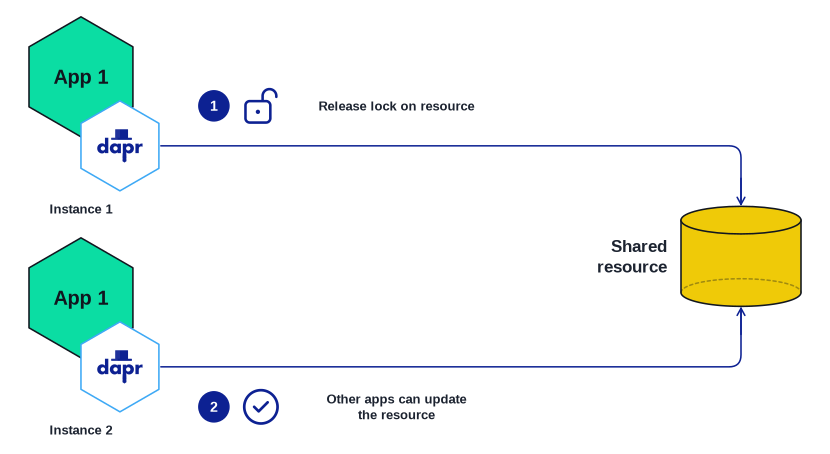
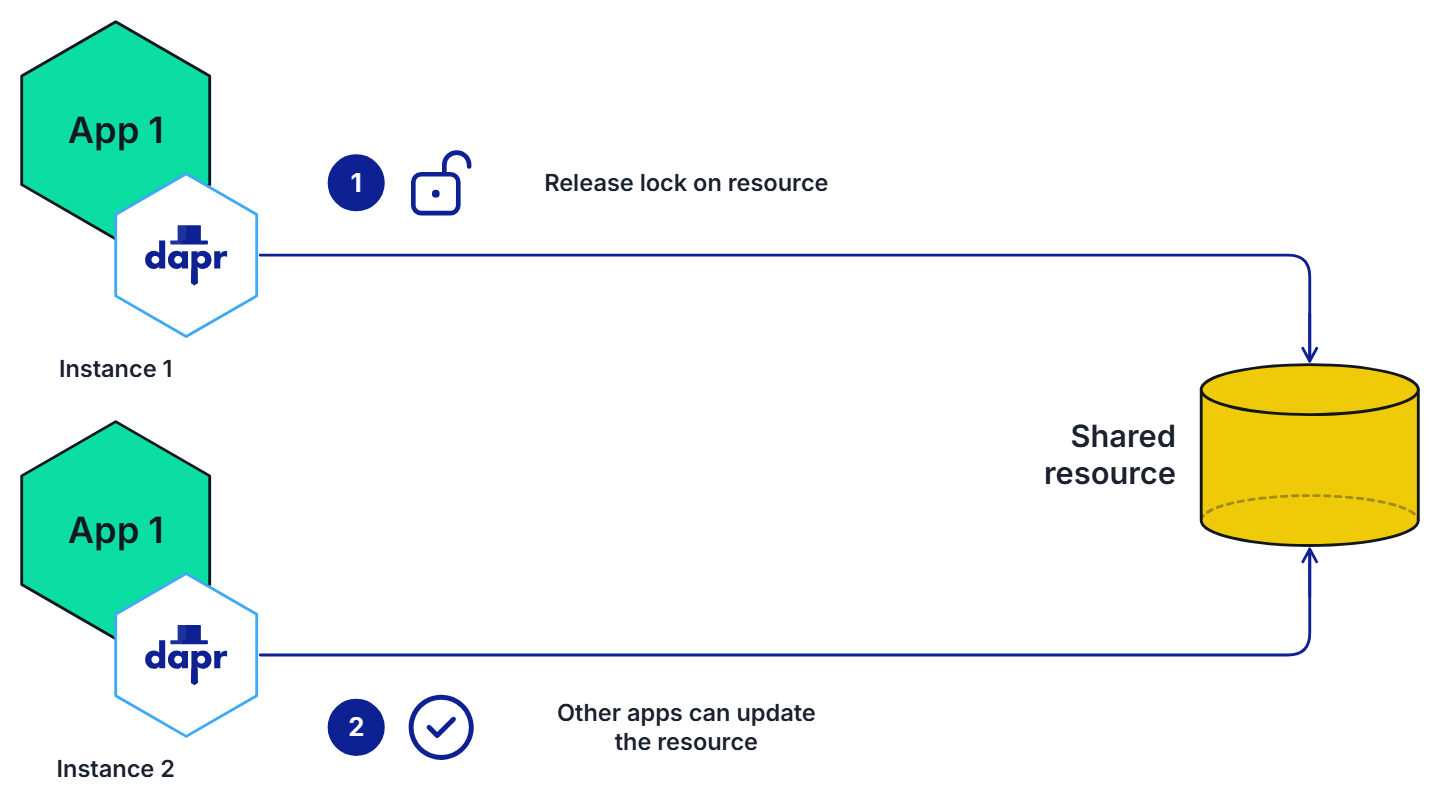
The diagram below shows two instances of the same application, where one instance releases the lock and the other instance is then able to acquire the lock.
The diagram below shows two instances of different applications, acquiring different locks on the same resource.
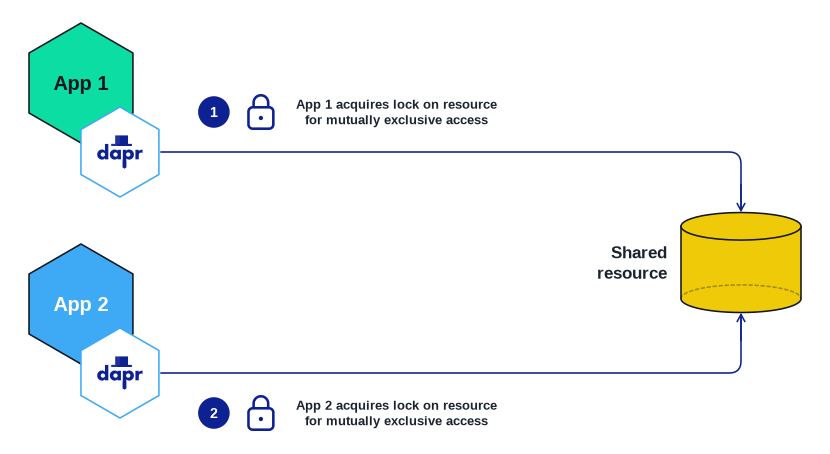
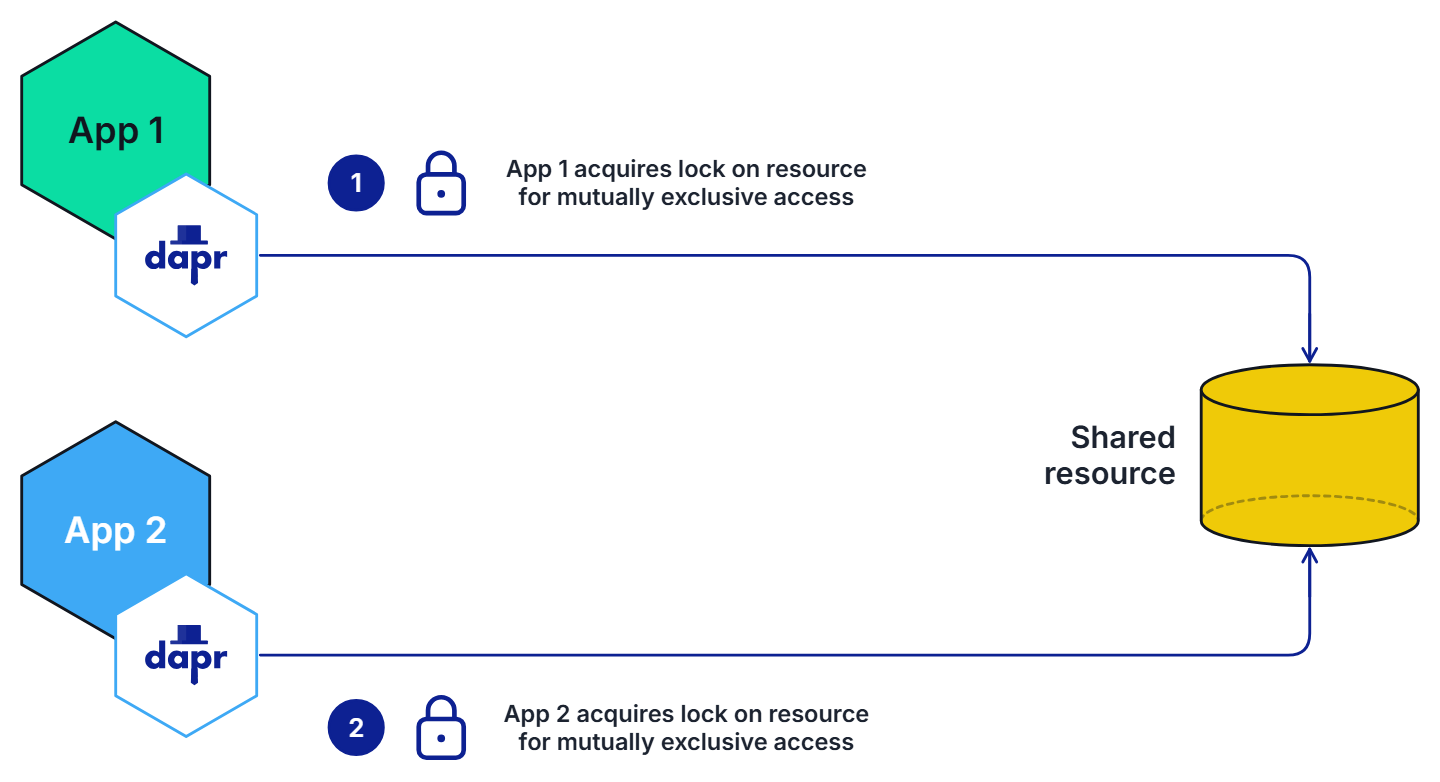
Locks are scoped to a Dapr app-id, so these two locks are independent of each other: each one excludes other instances of its own application, not the other application. Two applications cannot use the lock API to exclude one another from the same resource.
Configure a lock component
Save the following component file to the default components folder on your machine.
apiVersion: dapr.io/v1alpha1
kind: Component
metadata:
  name: lockstore
spec:
  type: lock.redis
  version: v1
  metadata:
  - name: redisHost
    value: localhost:6379
  - name: redisPassword
    value: <PASSWORD>
Acquire lock
curl -X POST http://localhost:3500/v1.0-alpha1/lock/lockstore
   -H 'Content-Type: application/json'
   -d '{"resourceId":"my_file_name", "lockOwner":"random_id_abc123", "expiryInSeconds": 60}'
using System;
using Dapr.Client;

namespace LockService
{
    class Program
    {
        [Obsolete("Distributed Lock API is in Alpha, this can be removed once it is stable.")]
        static async Task Main(string[] args)
        {
            string DAPR_LOCK_NAME = "lockstore";
            string fileName = "my_file_name";
            var client = new DaprClientBuilder().Build();

            await using (var fileLock = await client.Lock(DAPR_LOCK_NAME, fileName, "random_id_abc123", 60))
            {
                if (fileLock.Success)
                {
                    Console.WriteLine("Success");
                }
                else
                {
                    Console.WriteLine($"Failed to lock {fileName}.");
                }
            }
        }
    }
}
package main

import (
    "fmt"

    dapr "github.com/dapr/go-sdk/client"
)

func main() {
    client, err := dapr.NewClient()
    if err != nil {
        panic(err)
    }
    defer client.Close()

    resp, err := client.TryLockAlpha1(ctx, "lockstore", &dapr.LockRequest{
			LockOwner:         "random_id_abc123",
			ResourceID:      "my_file_name",
			ExpiryInSeconds: 60,
		})

    fmt.Println(resp.Success)
}
Unlock existing lock
curl -X POST http://localhost:3500/v1.0-alpha1/unlock/lockstore
   -H 'Content-Type: application/json'
   -d '{"resourceId":"my_file_name", "lockOwner":"random_id_abc123"}'
using System;
using Dapr.Client;

namespace LockService
{
    class Program
    {
        static async Task Main(string[] args)
        {
            string DAPR_LOCK_NAME = "lockstore";
            var client = new DaprClientBuilder().Build();

            var response = await client.Unlock(DAPR_LOCK_NAME, "my_file_name", "random_id_abc123"));
            Console.WriteLine(response.status);
        }
    }
}
package main

import (
    "fmt"

    dapr "github.com/dapr/go-sdk/client"
)

func main() {
    client, err := dapr.NewClient()
    if err != nil {
        panic(err)
    }
    defer client.Close()

    resp, err := client.UnlockAlpha1(ctx, "lockstore", &UnlockRequest{
			LockOwner:    "random_id_abc123",
			ResourceID: "my_file_name",
		})

    fmt.Println(resp.Status)
}
Next steps
Read the distributed lock API overview to learn more.