性能分析与调试
在任何真实场景中,应用程序可能会出现资源方面的异常行为。 在大多数情况下,CPU/内存飙升并不罕见。
Dapr 允许用户通过其性能分析服务端点使用 pprof 启动按需性能分析会话,并启动检测会话以发现并发、性能、CPU 和内存使用等方面的问题和隐患。
启用性能分析
Dapr 允许您在 Kubernetes 和独立模式两种模式下启用性能分析。
独立模式
要在独立模式下启用性能分析,请将 --enable-profiling 和 --profile-port 标志传递给 Dapr CLI:
请注意 profile-port 不是必需的,如果未提供,Dapr 将选择一个可用端口。
dapr run --enable-profiling --profile-port 7777 python myapp.py
Kubernetes
要在 Kubernetes 中启用性能分析,只需将 dapr.io/enable-profiling 注解添加到您的 Dapr 注解 pod 中:
   annotations:
    dapr.io/enabled: "true"
    dapr.io/app-id: "rust-app"
    dapr.io/enable-profiling: "true"
调试性能分析会话
启用性能分析后,我们可以启动性能分析会话来调查 Dapr 运行时发生了什么。
独立模式
对于独立模式,找到您想要分析的 Dapr 实例:
dapr list
APP ID           DAPR PORT     APP PORT  COMMAND      AGE  CREATED              PID
node-subscriber  3500          3000      node app.js  12s  2019-09-09 15:11.24  896
获取 DAPR PORT,如果已按照上述说明启用了性能分析,您现在可以开始使用 pprof 来分析 Dapr。
查看上面的 Kubernetes 示例,获取一些用于分析 Dapr 的有用命令。
有关 pprof 的更多信息可以在这里找到。
Kubernetes
首先,找到包含 Dapr 运行时的 pod。如果您还不知道 pod 名称,请输入 kubectl get pods:
NAME                                        READY     STATUS    RESTARTS   AGE
divideapp-6dddf7dc74-6sq4l                  2/2       Running   0          2d23h
如果性能分析已成功启用,运行时日志应显示以下内容:
time="2019-09-09T20:56:21Z" level=info msg="starting profiling server on port 7777"
在这种情况下,我们要与 pod divideapp-6dddf7dc74-6sq4l 内的 Dapr 运行时启动会话。
我们可以通过端口转发连接到 pod 来实现:
kubectl port-forward divideapp-6dddf7dc74-6sq4 7777:7777
Forwarding from 127.0.0.1:7777 -> 7777
Forwarding from [::1]:7777 -> 7777
Handling connection for 7777
既然连接已经建立,我们可以使用 pprof 来分析 Dapr 运行时。
以下示例将创建一个 cpu.pprof 文件,其中包含持续 120 秒的性能分析会话的采样:
curl "http://localhost:7777/debug/pprof/profile?seconds=120" > cpu.pprof
使用 pprof 分析文件:
pprof cpu.pprof
您还可以将结果以可视化方式保存到 PDF 中:
go tool pprof --pdf your-binary-file http://localhost:7777/debug/pprof/profile?seconds=120 > profile.pdf
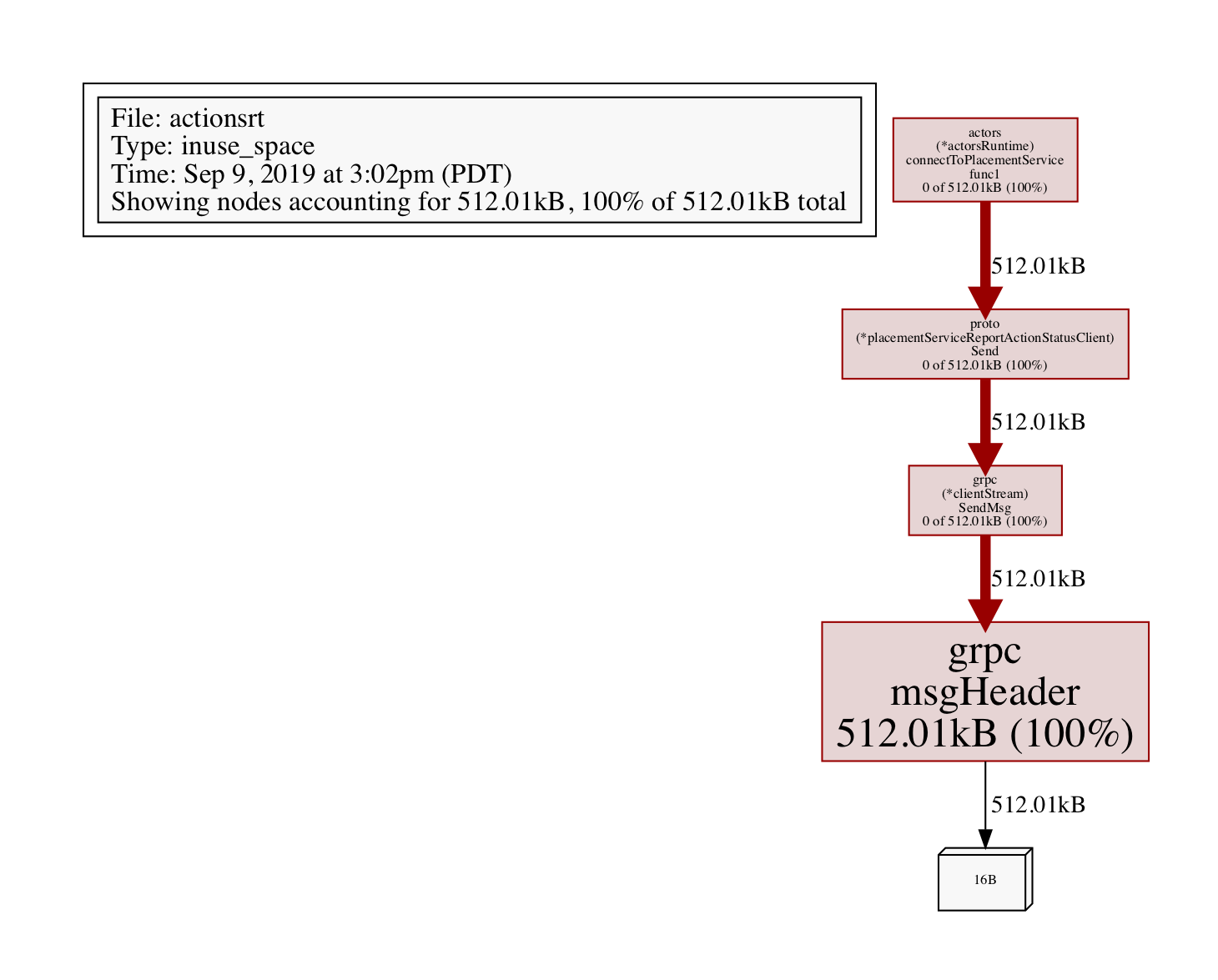
对于内存相关问题,您可以分析堆:
go tool pprof --pdf your-binary-file http://localhost:7777/debug/pprof/heap > heap.pdf
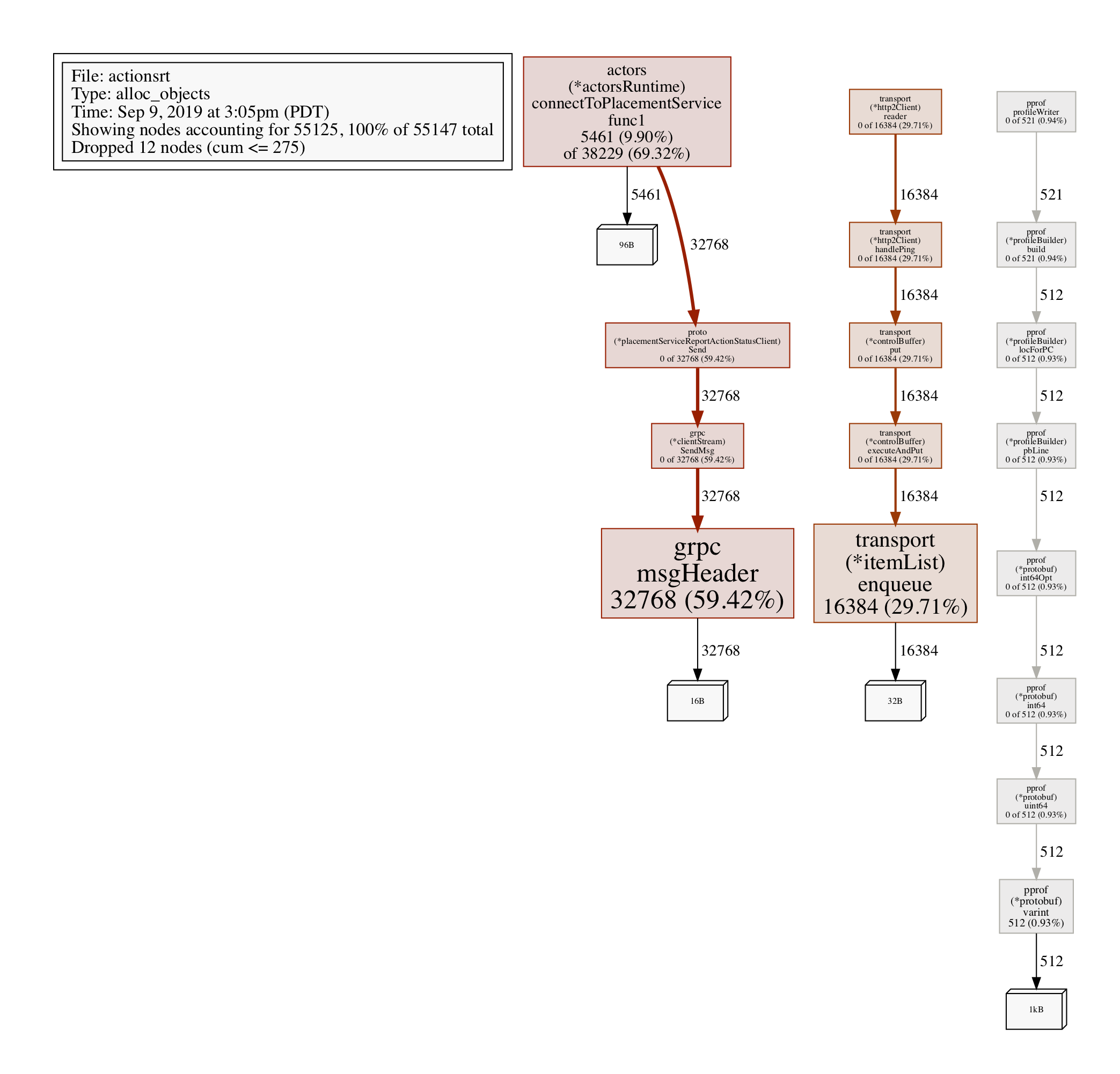
分析已分配的对象:
go tool pprof http://localhost:7777/debug/pprof/heap
> exit

Saved profile in /Users/myusername/pprof/pprof.daprd.alloc_objects.alloc_space.inuse_objects.inuse_space.003.pb.gz
要进行分析,请获取上面的文件路径(这是一个动态文件路径,所以请注意记录并粘贴这个路径),然后执行:
go tool pprof -alloc_objects --pdf /Users/myusername/pprof/pprof.daprd.alloc_objects.alloc_space.inuse_objects.inuse_space.003.pb.gz > alloc-objects.pdf